 Test Mode
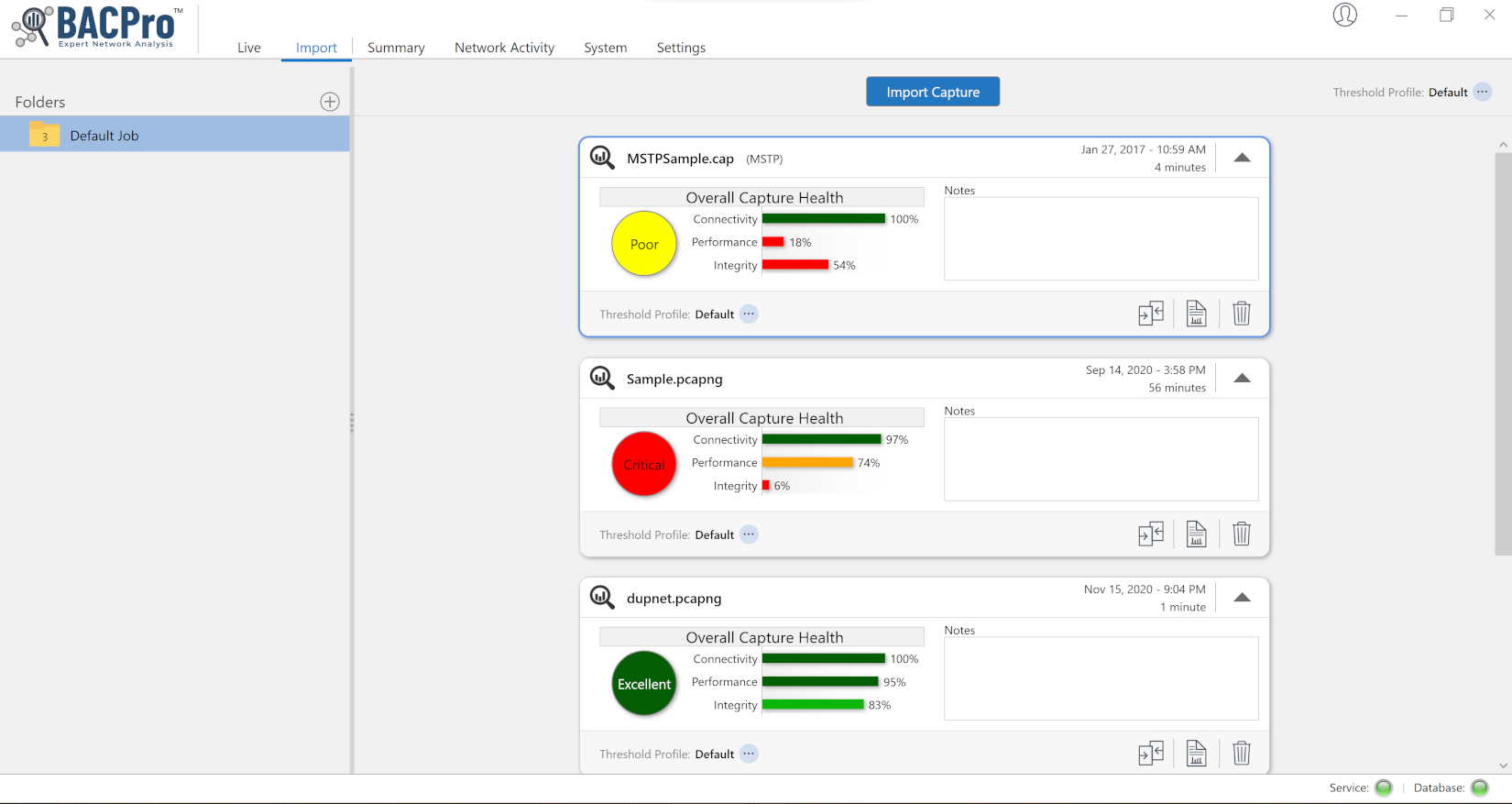
Import
Easily import BACnet IPv4, IPv6, MSTP, ARCNET, or decrypted BACNet SC capture files into BACPro. All analysis is done securely and locally. The results are available immediately.
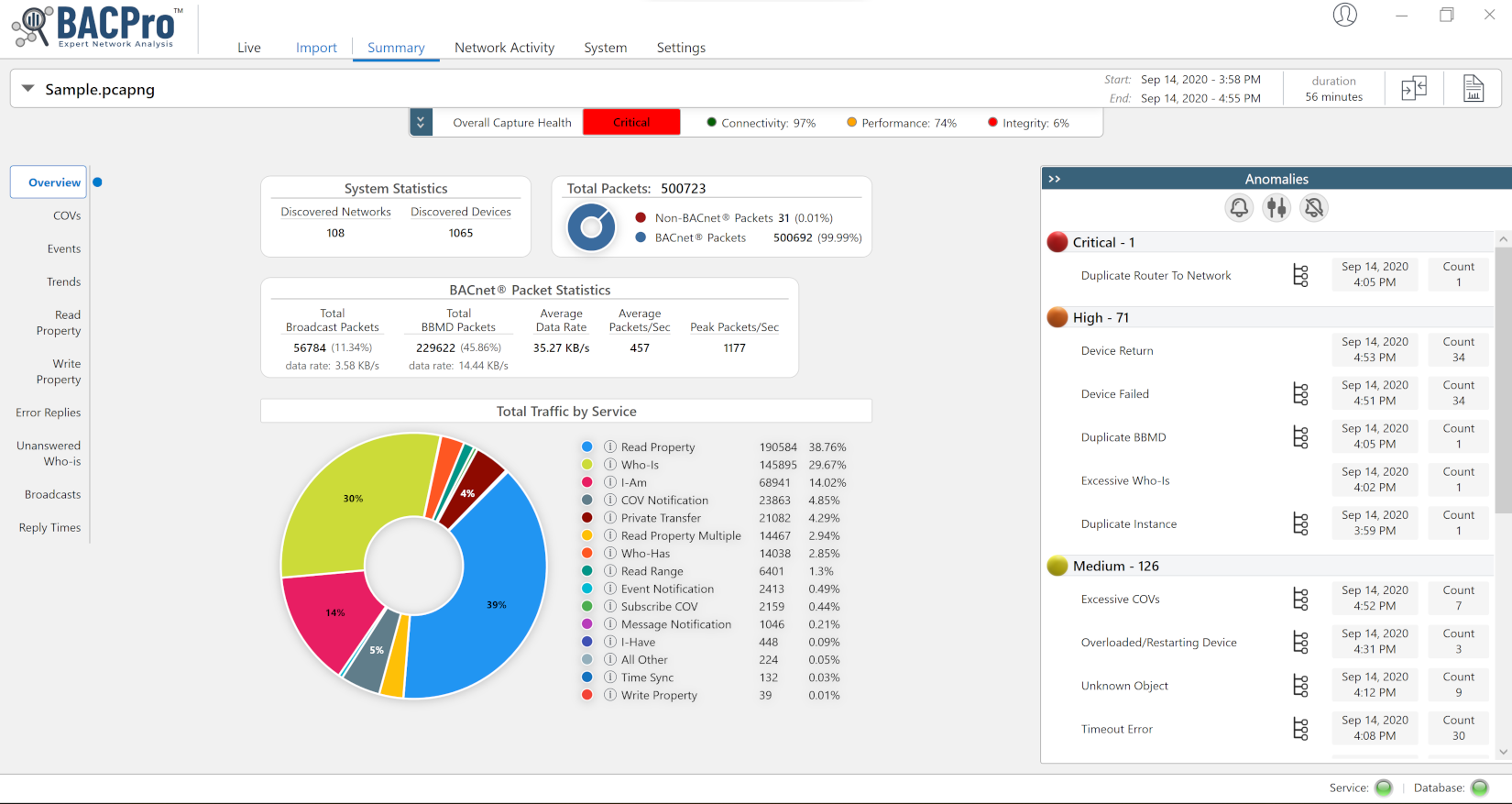
Summary
See a summary of the types of traffic on your network and a list of anomalies sorted by severity.
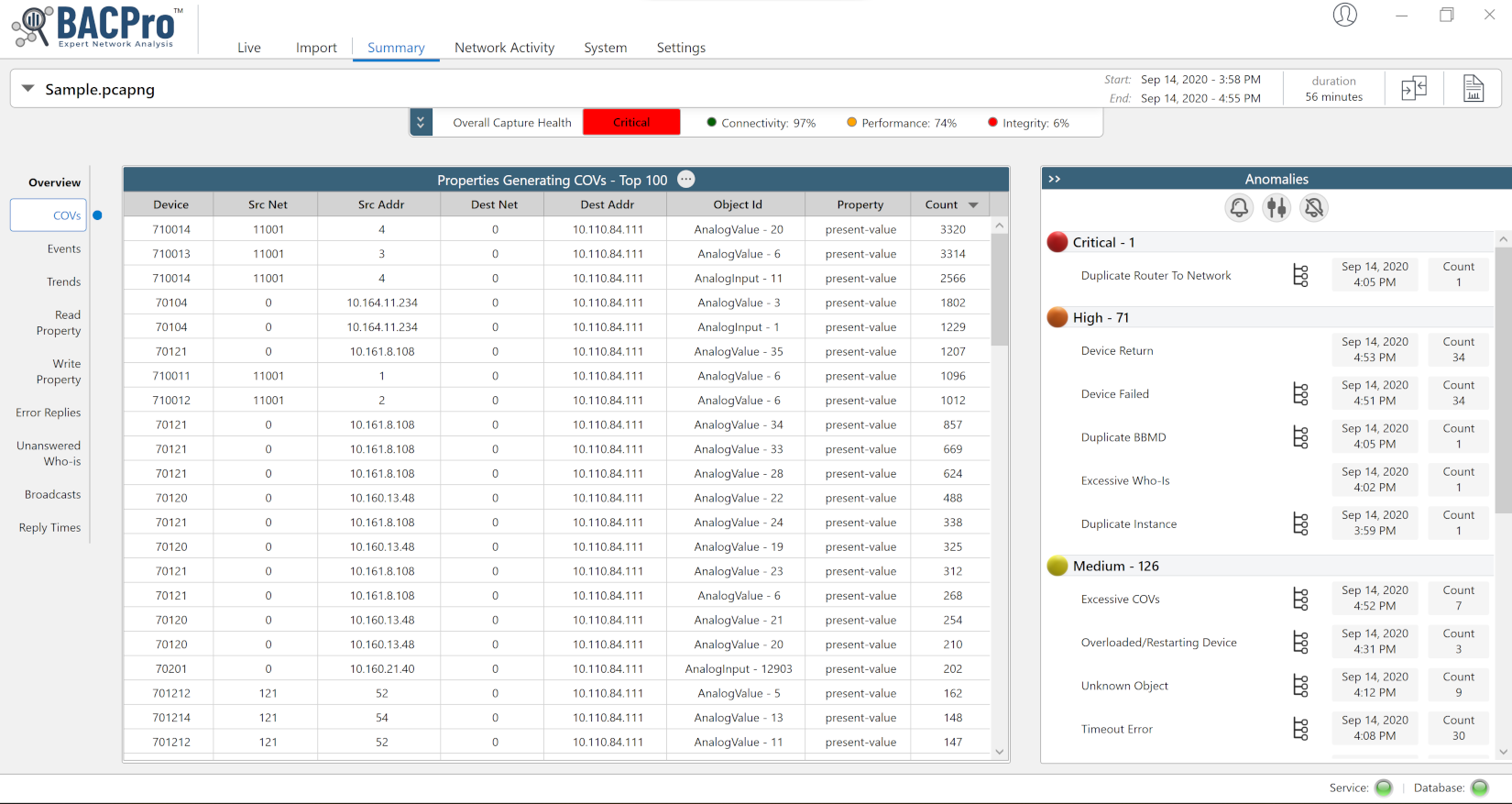
Tables
Get a table of objects generating too many COVs, Events, Reads, Writes, and TrendLog collections. These are the issues that can make your networks slow.
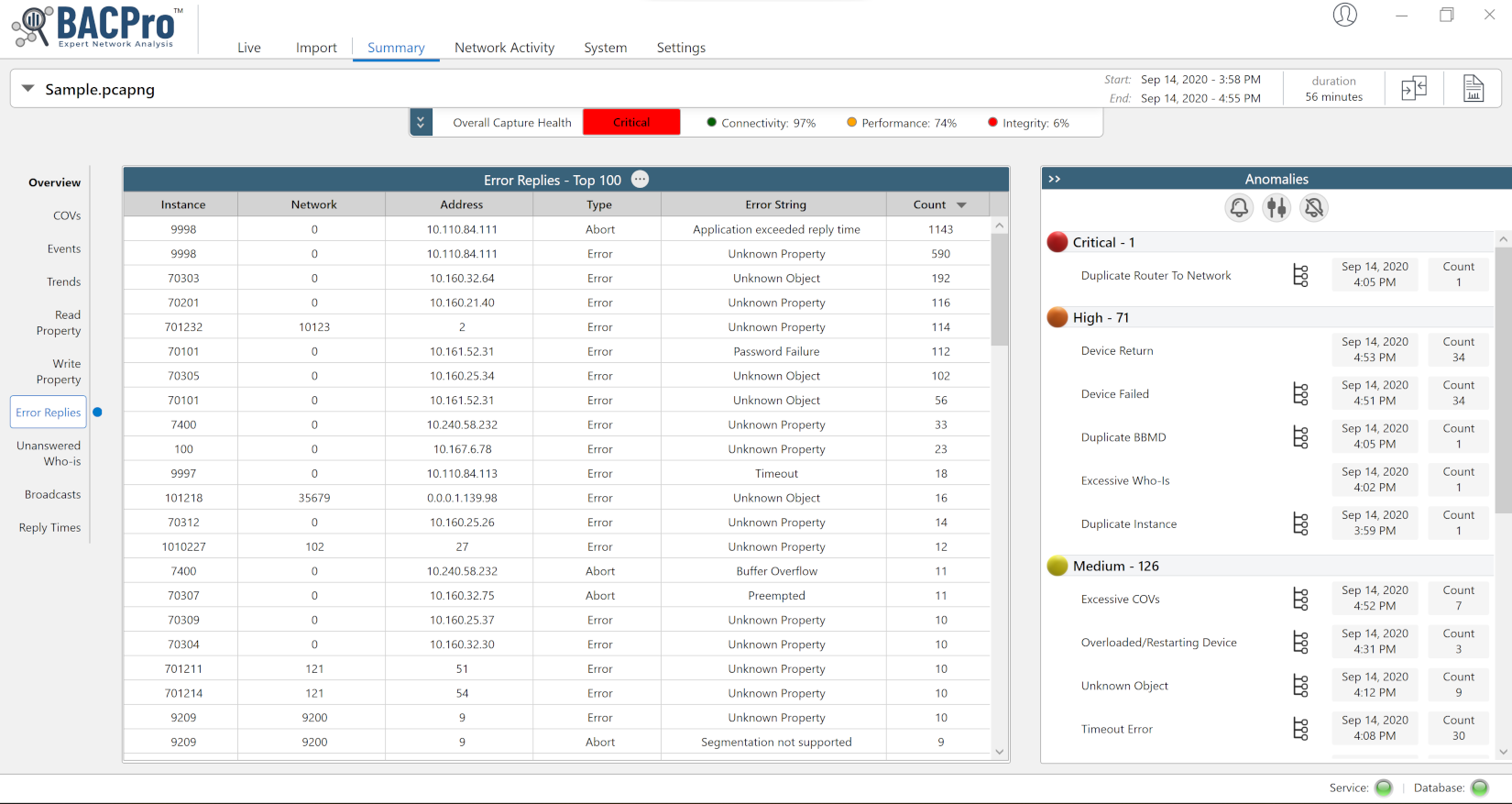
Errors
See a table of all error replies from devices. Some errors indicate problems that need to be addressed.
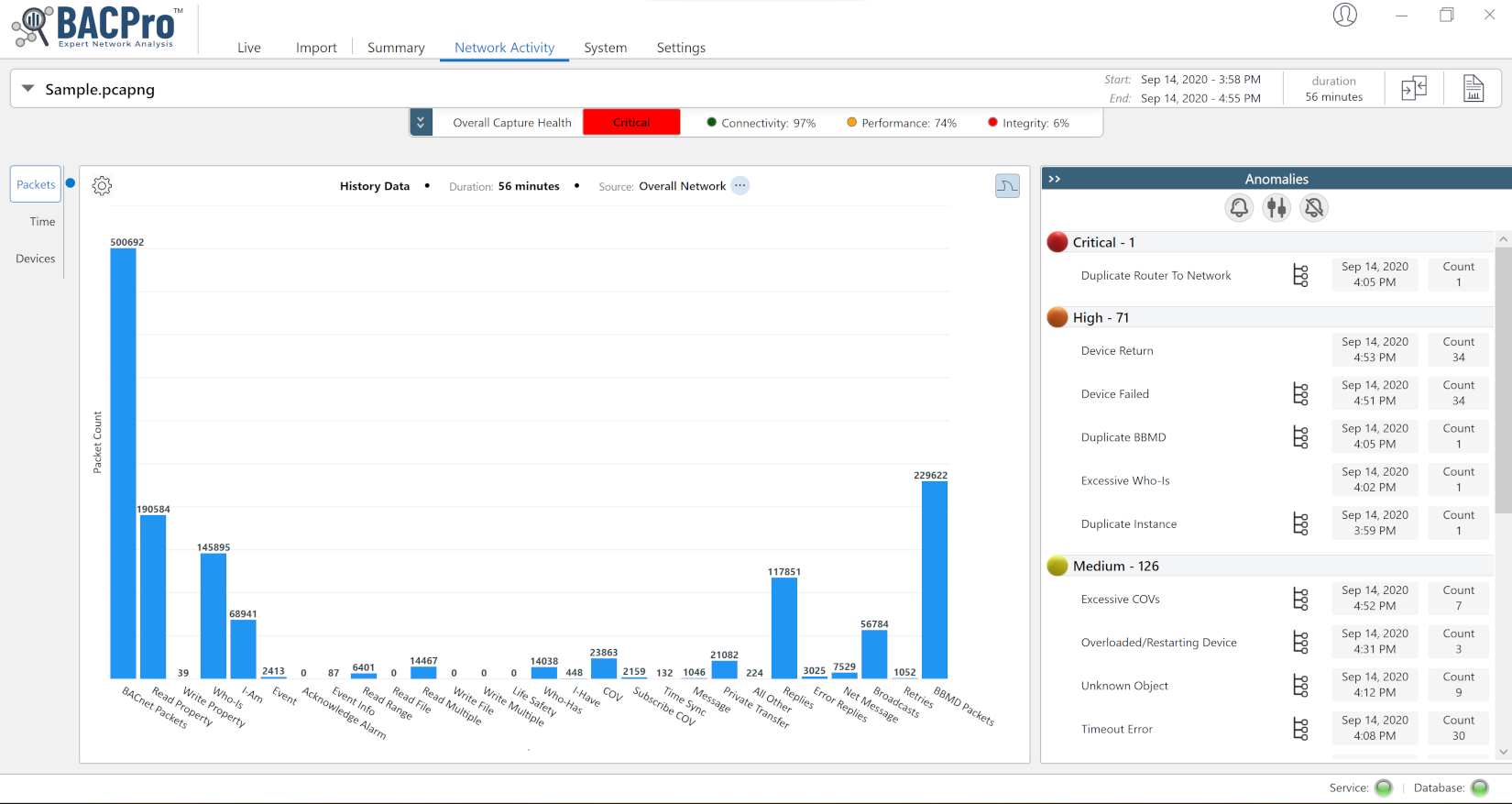
Graphs
Graphically see what is happening on the network. Create custom graphics showing traffic from any device, filter by service type, time, and device instance.
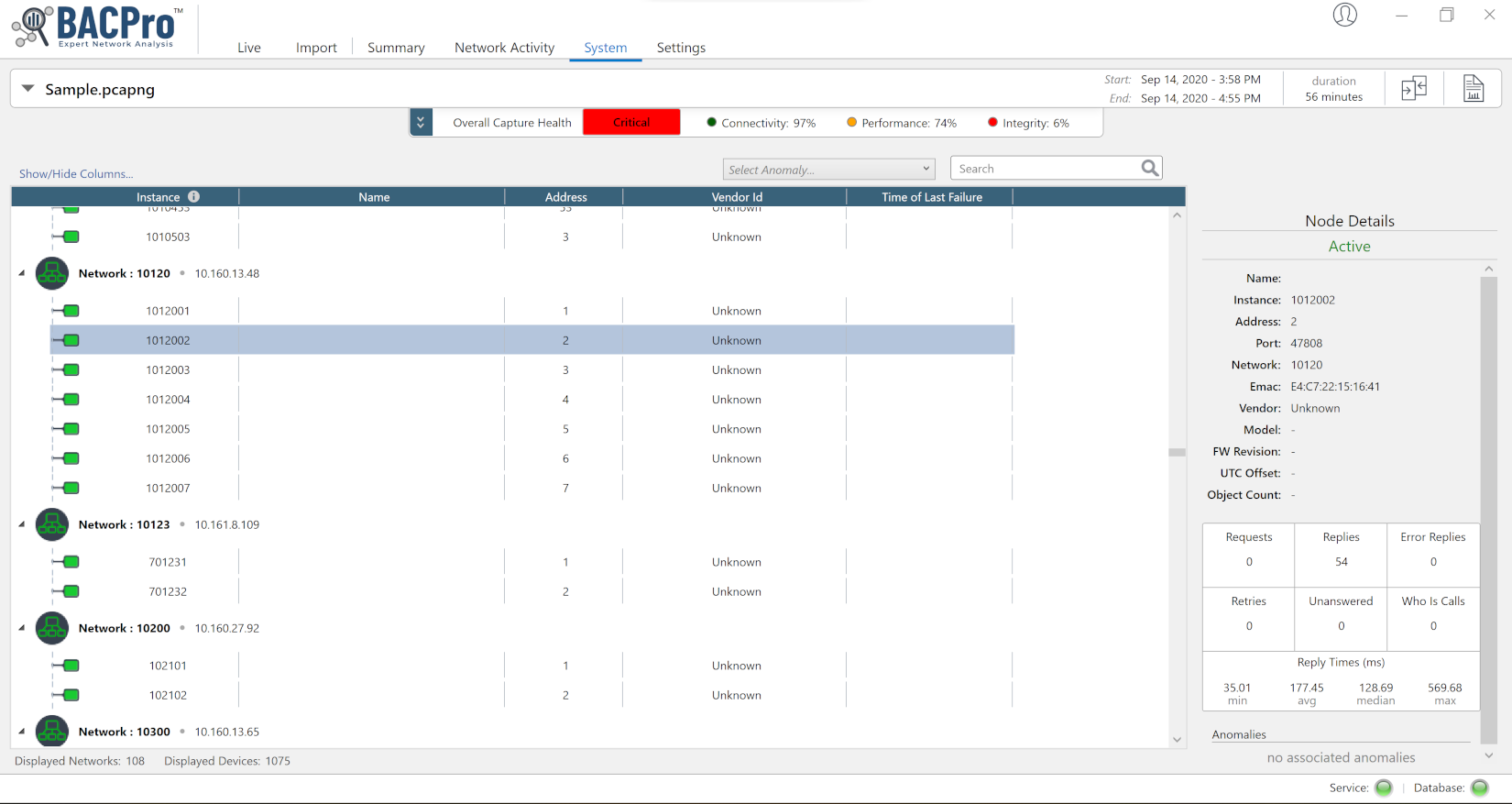
Topology
See the topology of your network. Devices are displayed under their routers. Click on any device to see statistics about that device.
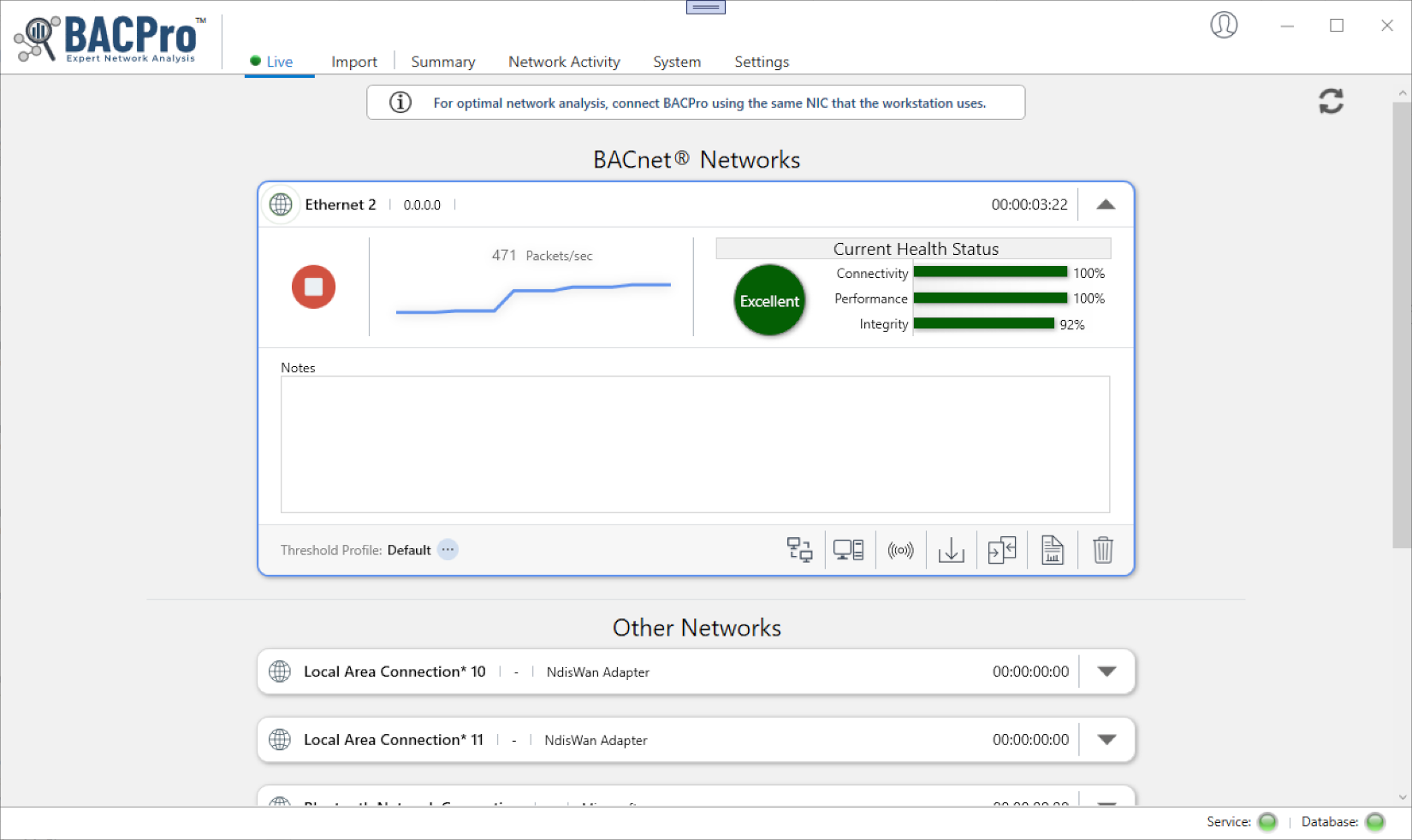
Monitor
BACPro can monitor a live IPv4 and IPv6 network 24/7. Run it on the same machine as the Building Operator Workstation and get a daily report on your network.
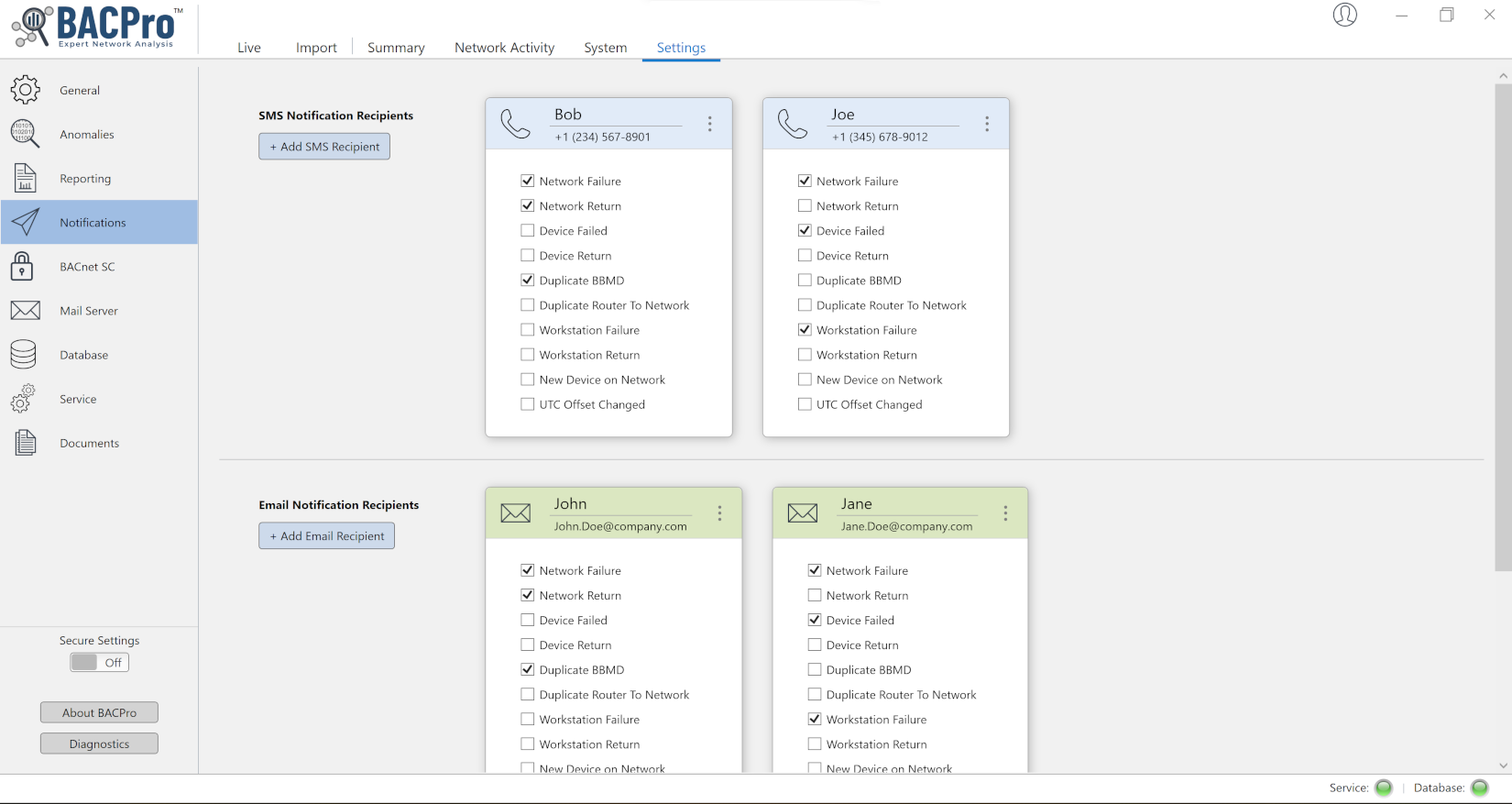
Notifications
In live monitoring mode, get SMS messages when any serious problem is found.
Reports
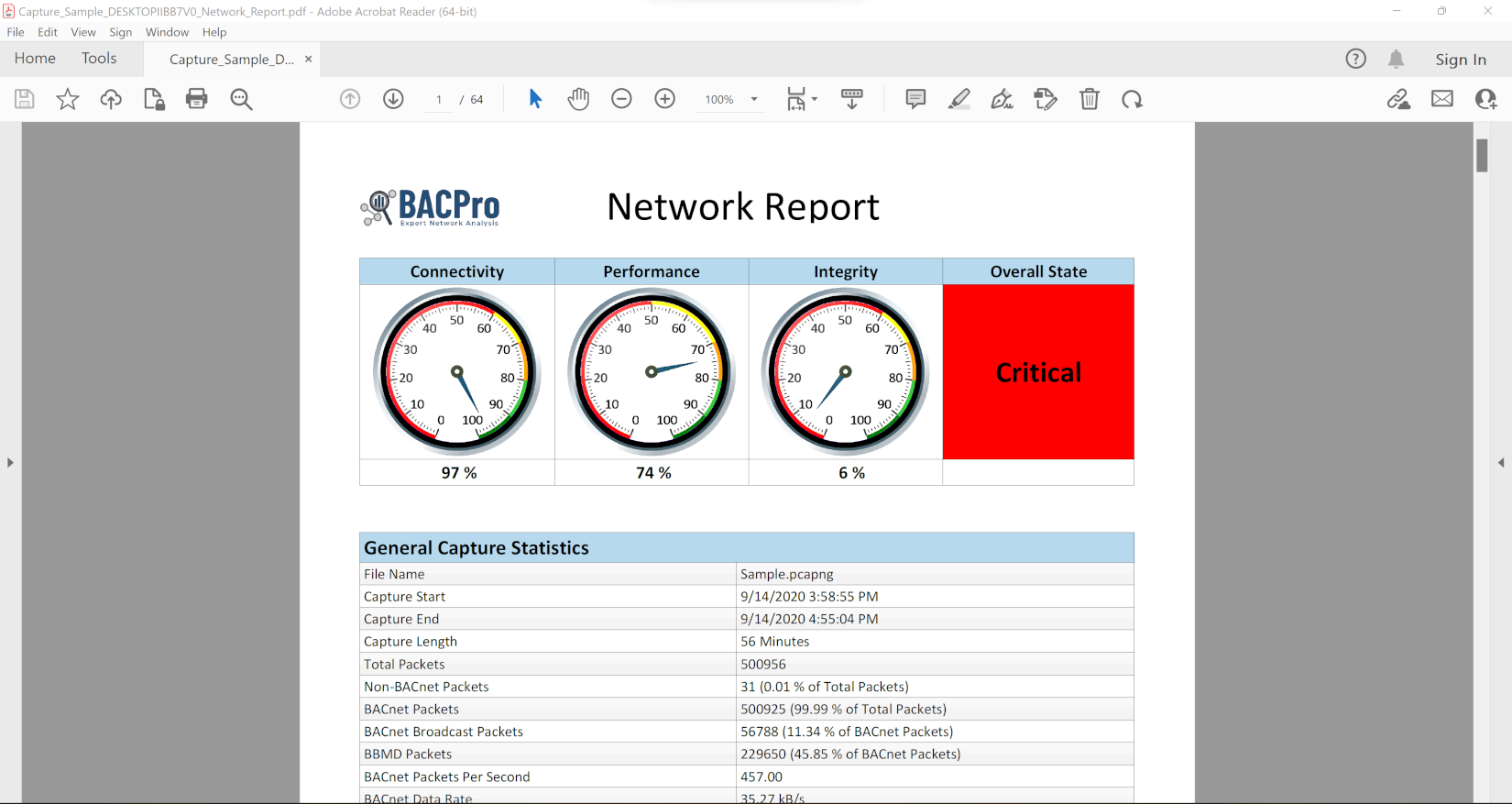
Generate a full network report in .pdf format. It contains all anomalies, helpful graphs and tables showing excessive traffic, and a list of all your BBMDs, routers, and devices.

Audit Report
The Audit Report allows you to create a customizable, high-level report in PowerPoint.
Data Sharing
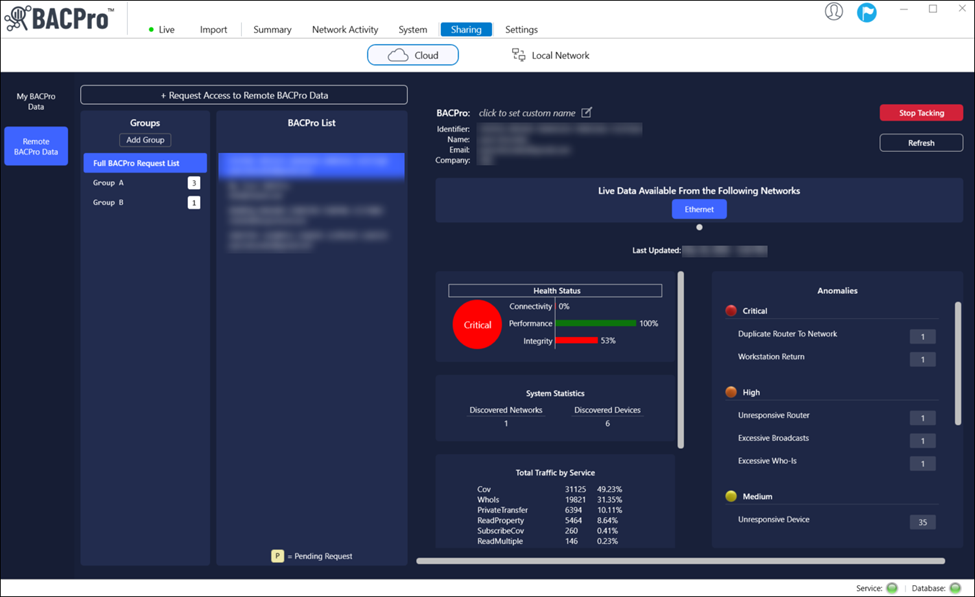
You can view a snapshot of a system’s health status, system statistics, total traffic by service, and anomalies by requesting access to remote BACPro data. You can also add to groups, add a BACPro to a group, and create custom BACPro names.
NOTE: BACPro does not share confidential information such as device names and IP addresses.
BACnet Secure Connect
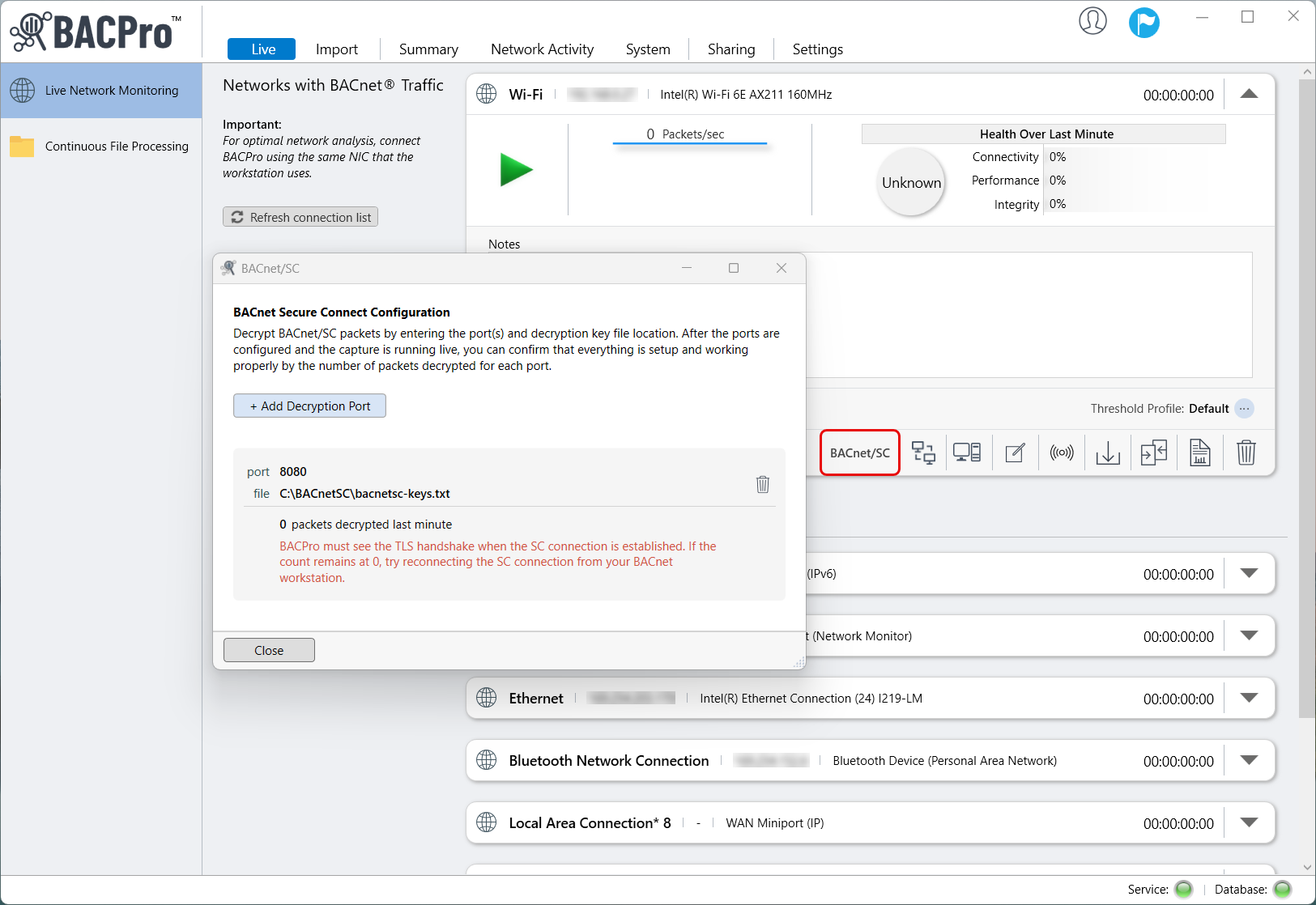
BACPro decrypts live and imported BACnet/SC traffic using session keylog files, enabling secure communication analysis, decryption status verification, and streamlined network troubleshooting.